Your Funds,
Your Move

Easy in. Easy out. Fully in control.

Flexible funding, built for convenience

Move CAD or crypto into your account seamlessly with funding methods tailored for Canadian traders.

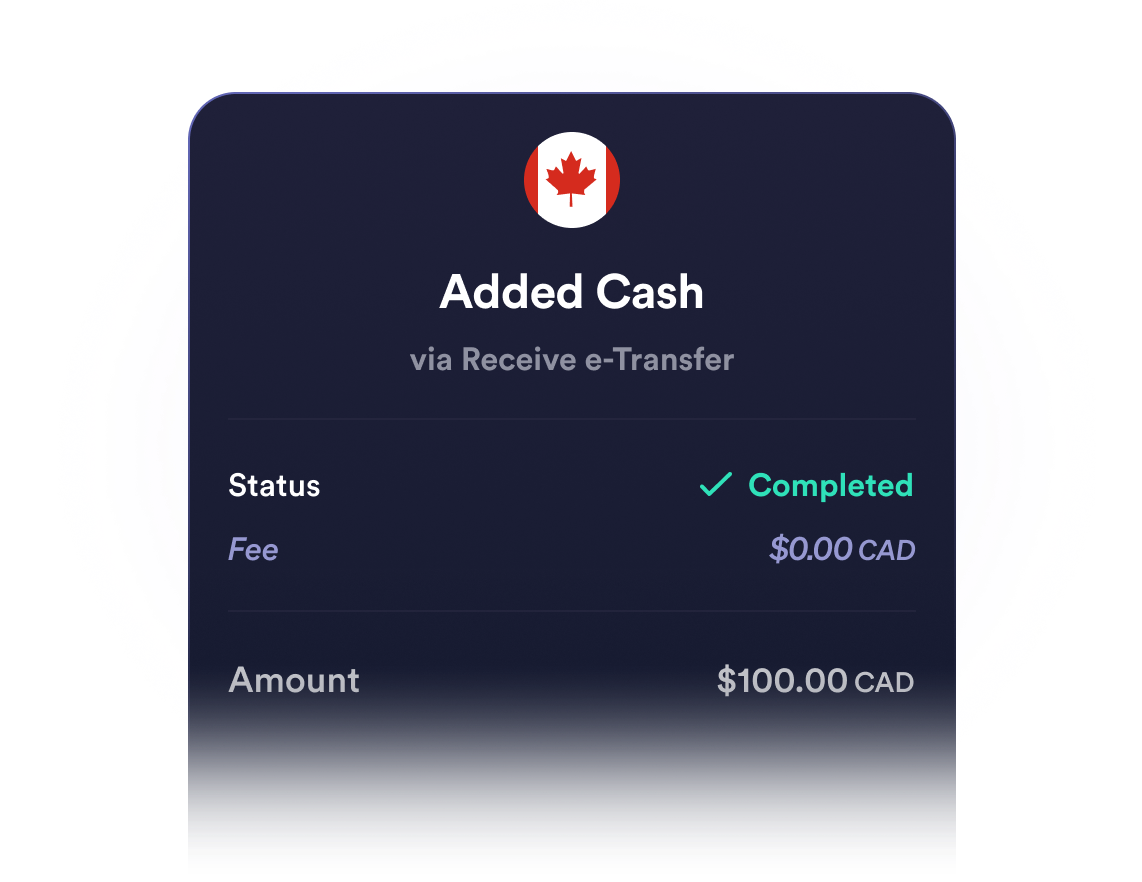
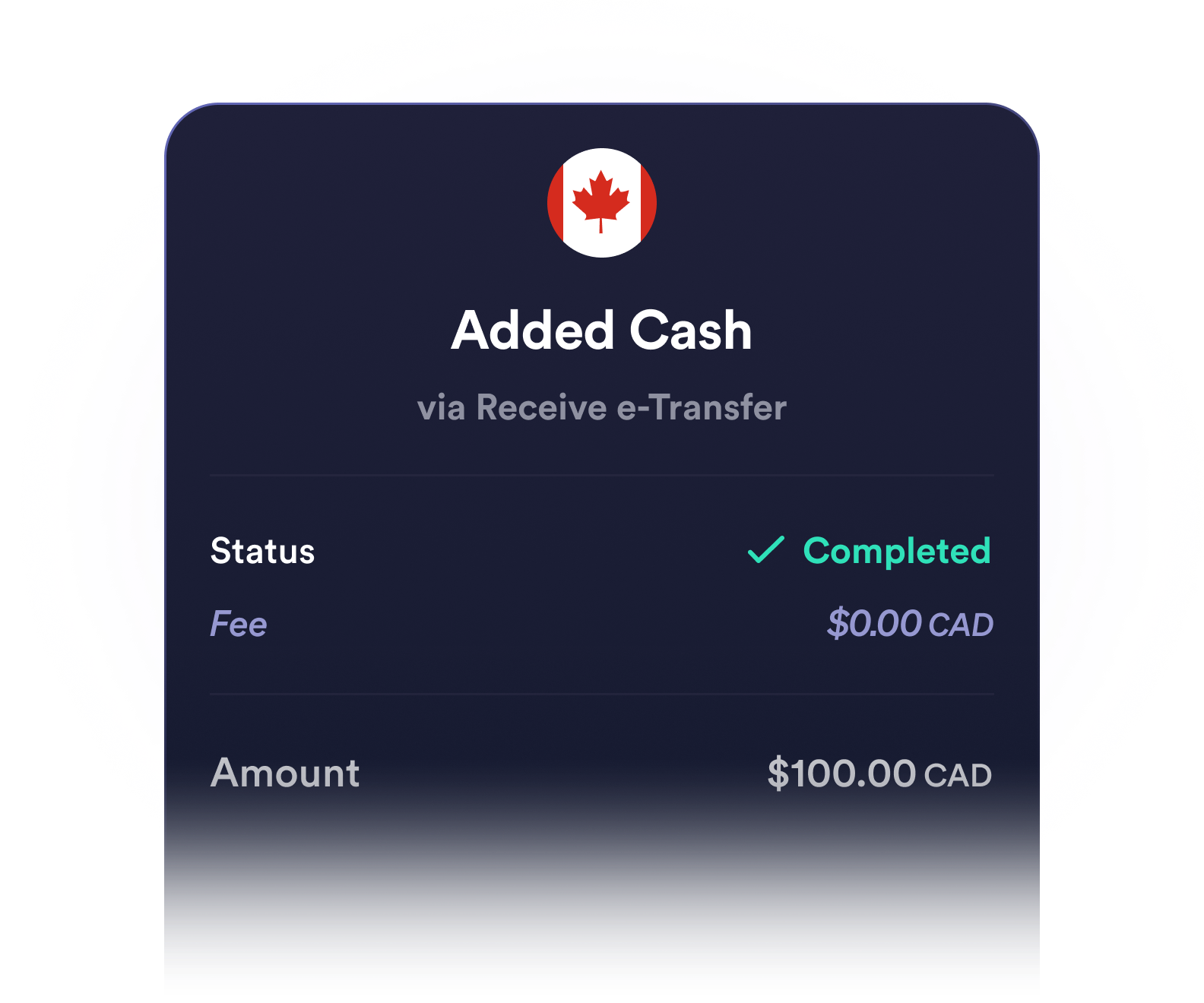
E-transfers

Easily fund your Newton account using e-transfer from your Canadian bank.

Wire transfers

For larger deposits, wire transfers are a straightforward option through your financial institution.

Crypto transfers

Move supported cryptocurrencies from another wallet or platform into your Newton account.

Ready to move your funds?
Withdraw in just a few steps.

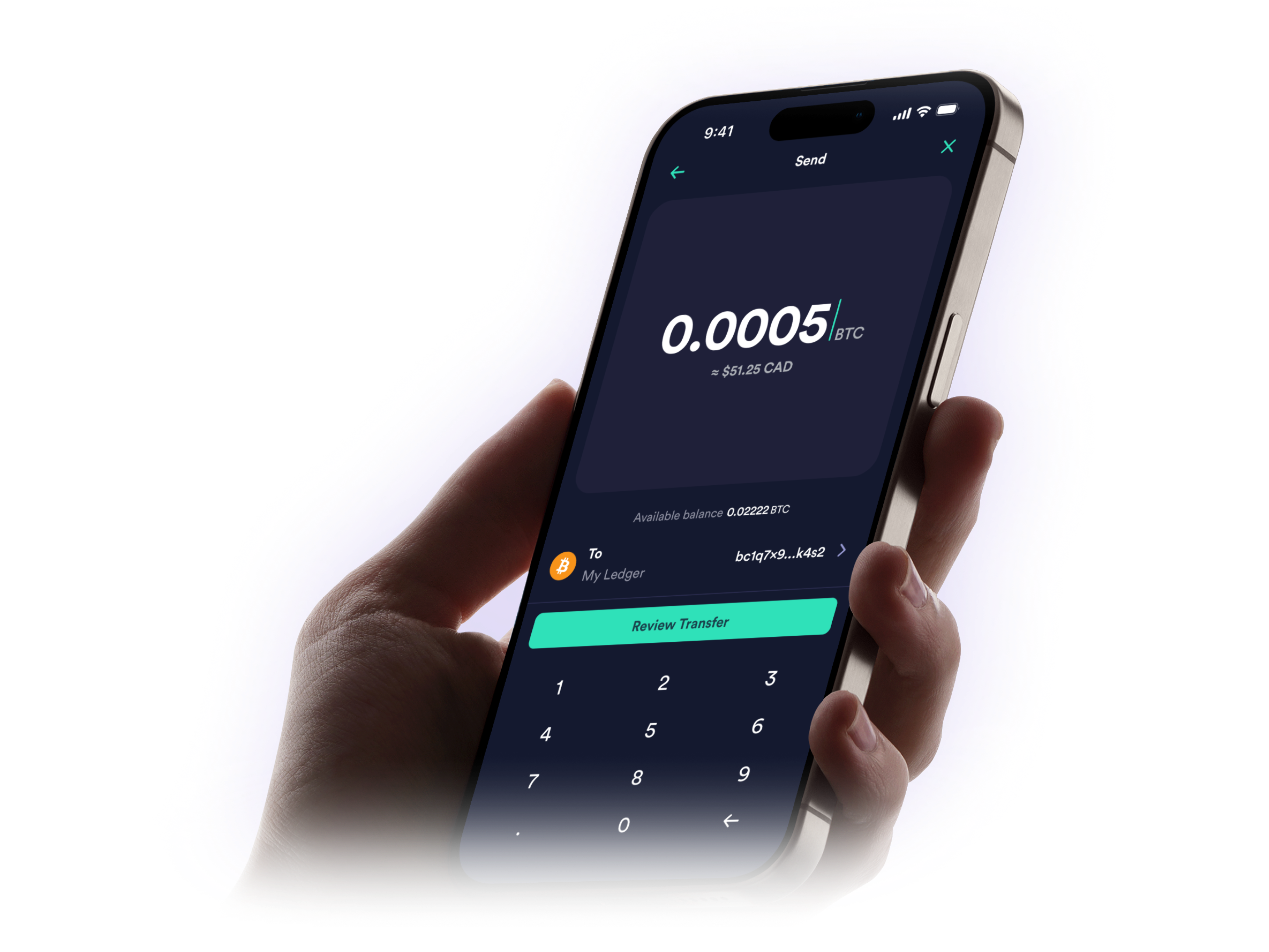
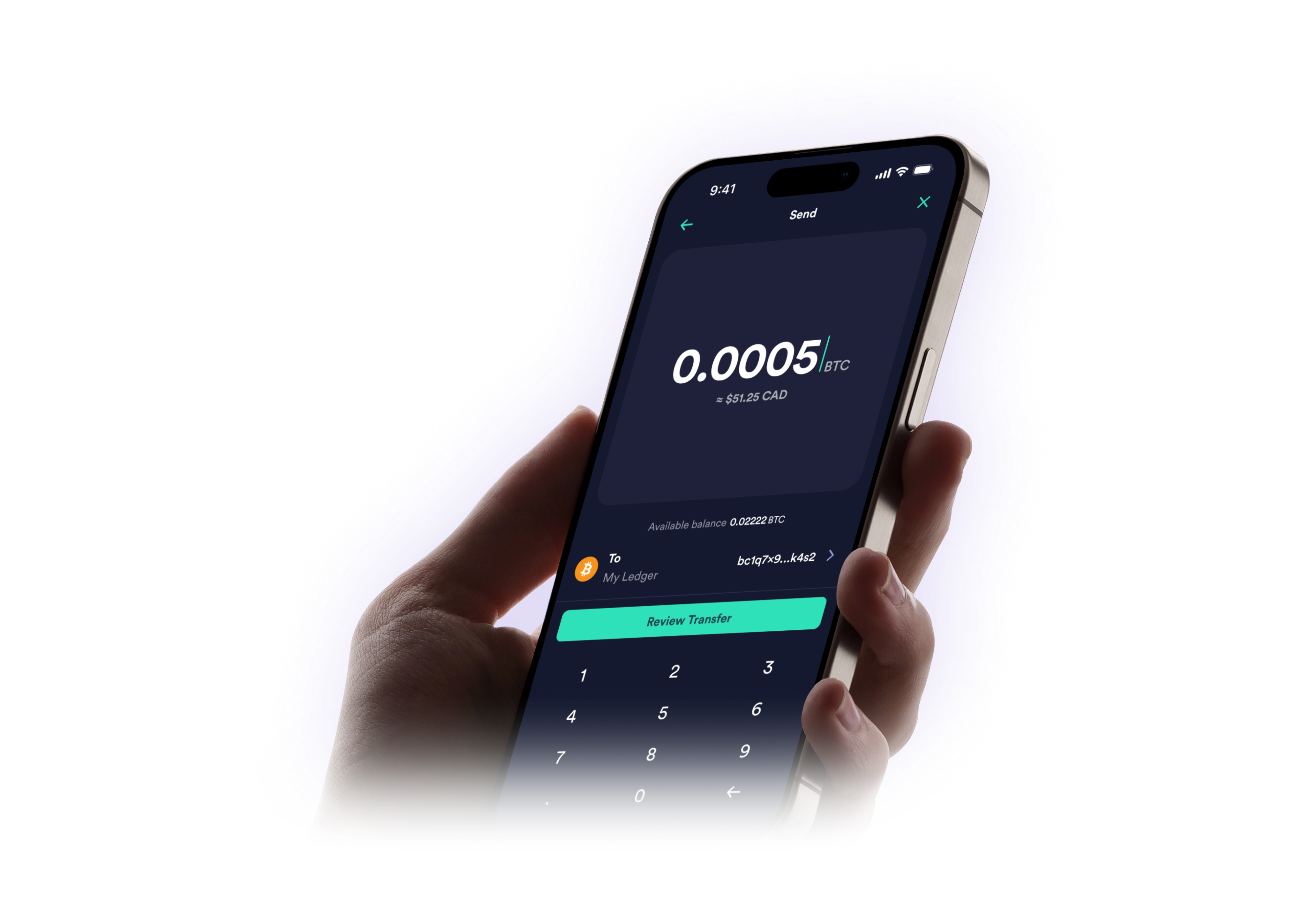
Withdraw in CAD or Crypto

Transfer funds to your bank or external wallet.

Multi-Network Support

Transfer digital assets across multiple networks.

Address
Book

Address Book

Save wallet addresses with custom labels.

Withdrawal speed lanes

Choose the pace that fits your needs when withdrawing Bitcoin or Ethereum-network assets.

Fast lane

$10 CAD + Network fee
Best for urgent transfers where speed matters most.

Standard lane

Network fee only
Best for everyday transfers that balance cost and speed.

Free lane

No fees
Best for non-urgent transfers where fee savings matter more than speed.

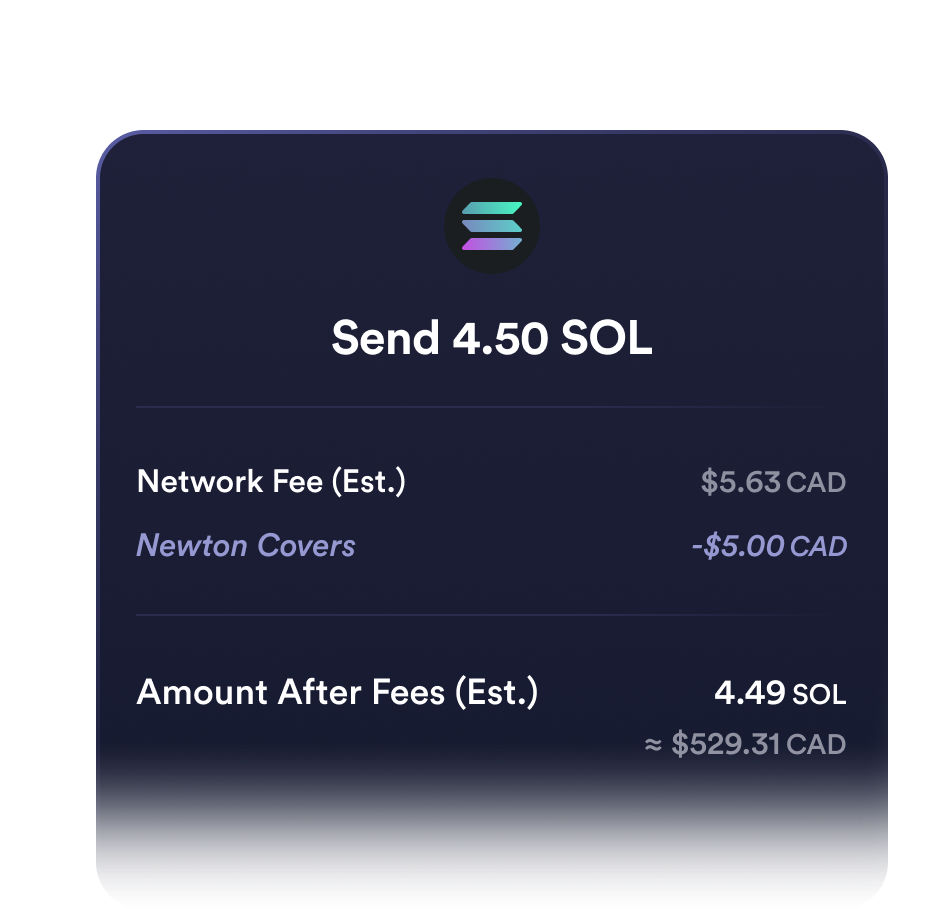
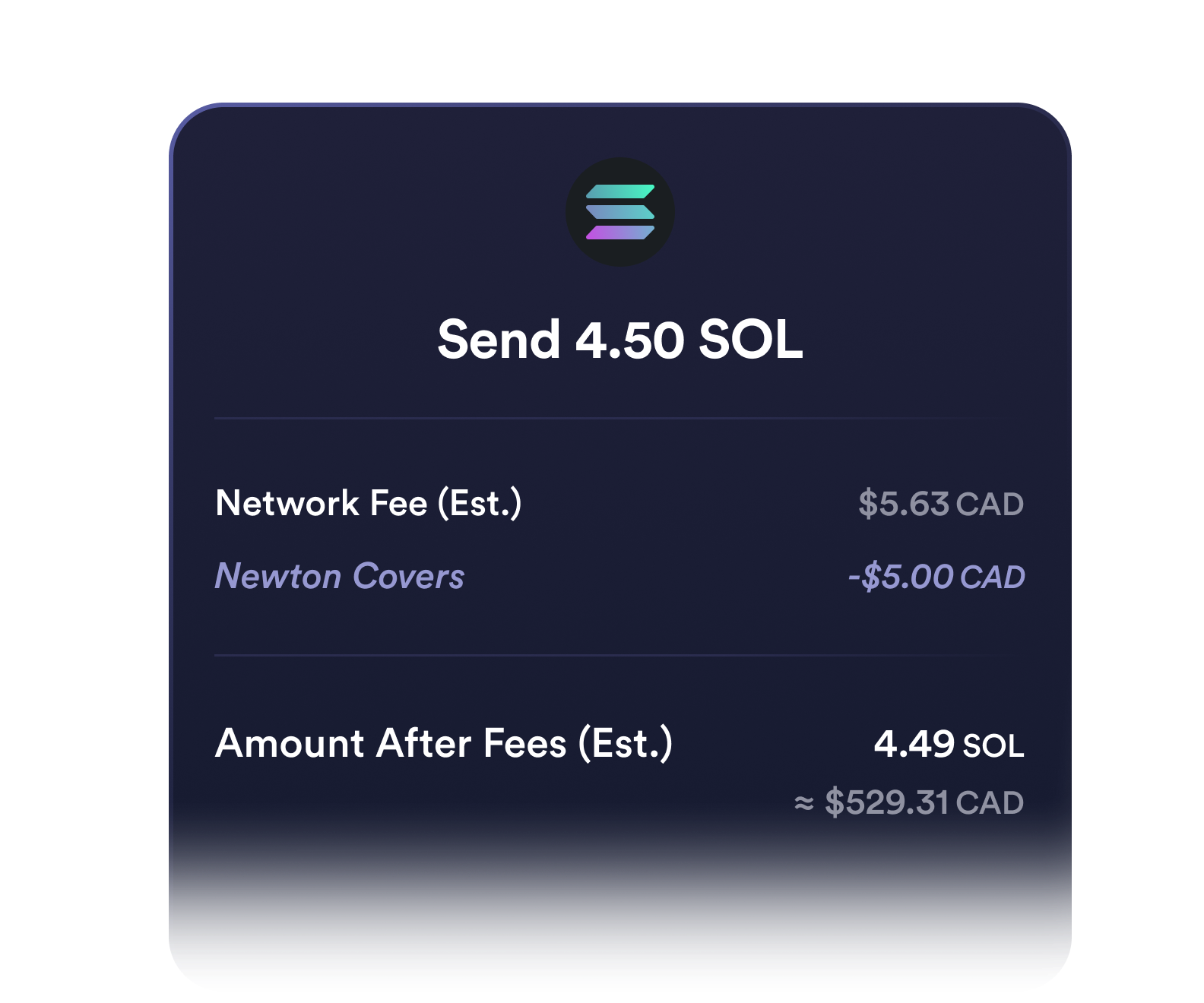
Up to $5 in network fees, on us

The first time you withdraw each day, we'll cover up to $5 CAD in gas fees.

Funding & Withdrawals FAQs

Do I need to verify my account before funding?

Yes, you'll need to complete your account setup before you can fund your Newton account. This is required for all users before making any deposits.

How long does it take to fund my account?

You can fund your account in minutes. For the fastest experience, we recommend using e-transfer, which is quick, easy, and lets you set up recurring transfers from your bank so your account stays topped up automatically.

We support several funding methods: deposit crypto directly, or fund with fiat via e-transfer, or wire transfer.
How do I fund my account with cryptocurrency?

Generate a funding address in your Newton account and send crypto from your external wallet on the matching network.

How do I withdraw fiat (CAD) from my Newton account?

You can withdraw CAD from Newton directly to your bank account. Choose your preferred method: e-transfer (fastest) or direct bank deposit.

How do I withdraw cryptocurrency from my Newton account?

You can withdraw crypto from Newton to your external crypto wallet via the Newton app or web browser. Note that the destination address must be saved in your Address Book before withdrawing.

How does Newton handle network fees?

We cover the first $5 of network fees on your first crypto withdrawal every day. Network fees (also known as gas fees) are a standard part of crypto transactions on all platforms, and any fees beyond $5 or on subsequent withdrawals that day are paid by you. The daily window runs from 12 AM–11:59 PM ET.

Ready to build your crypto portfolio?

Flexible funding options await.

Explore additional features

Fund, trade and manage your portfolio.